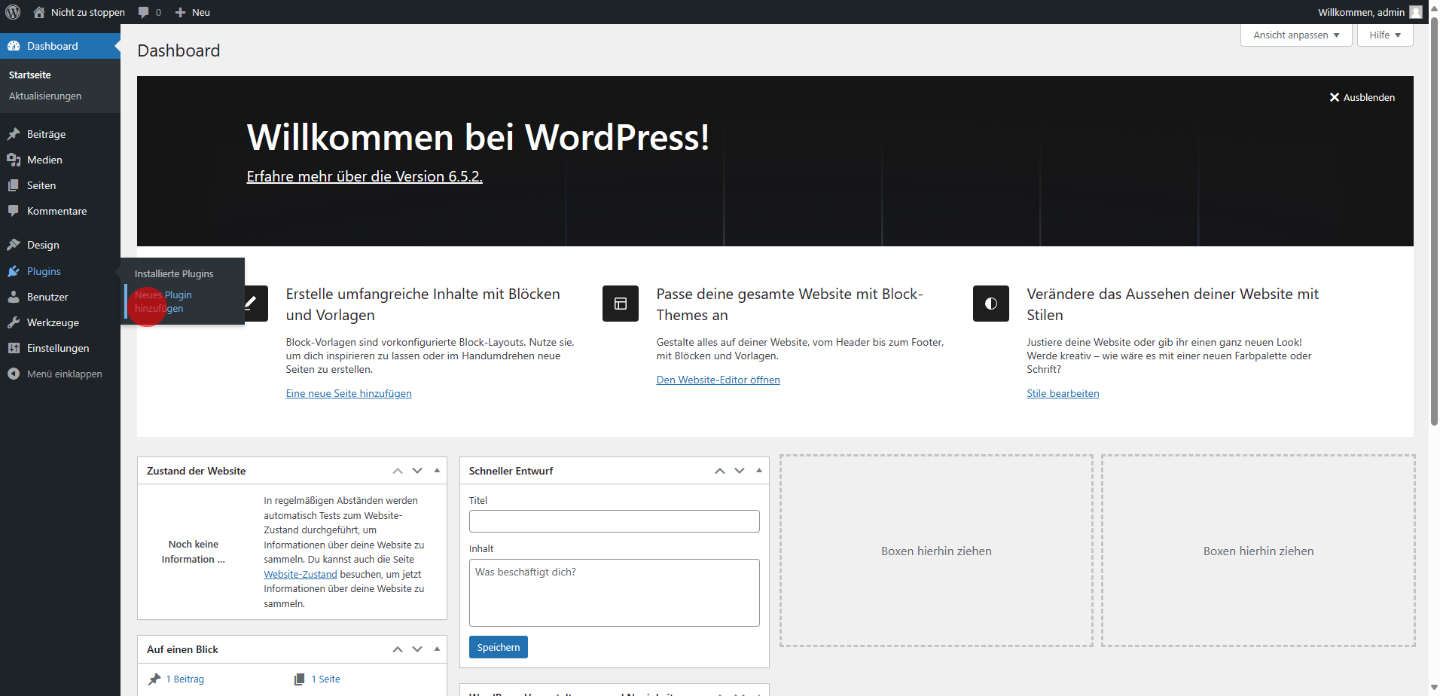
1 Click on "Neues Plugin hinzufügen"
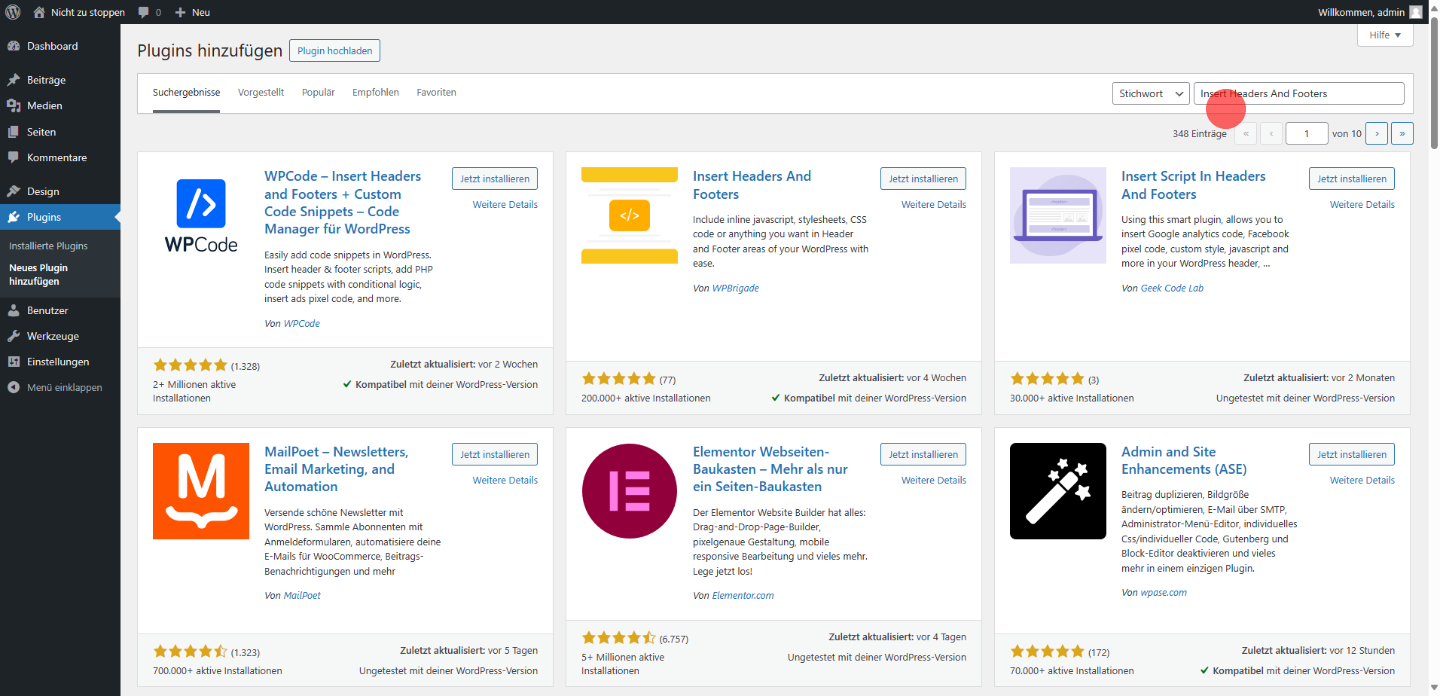
2 Click on the Search bar and search for "Insert Headers And Footers"
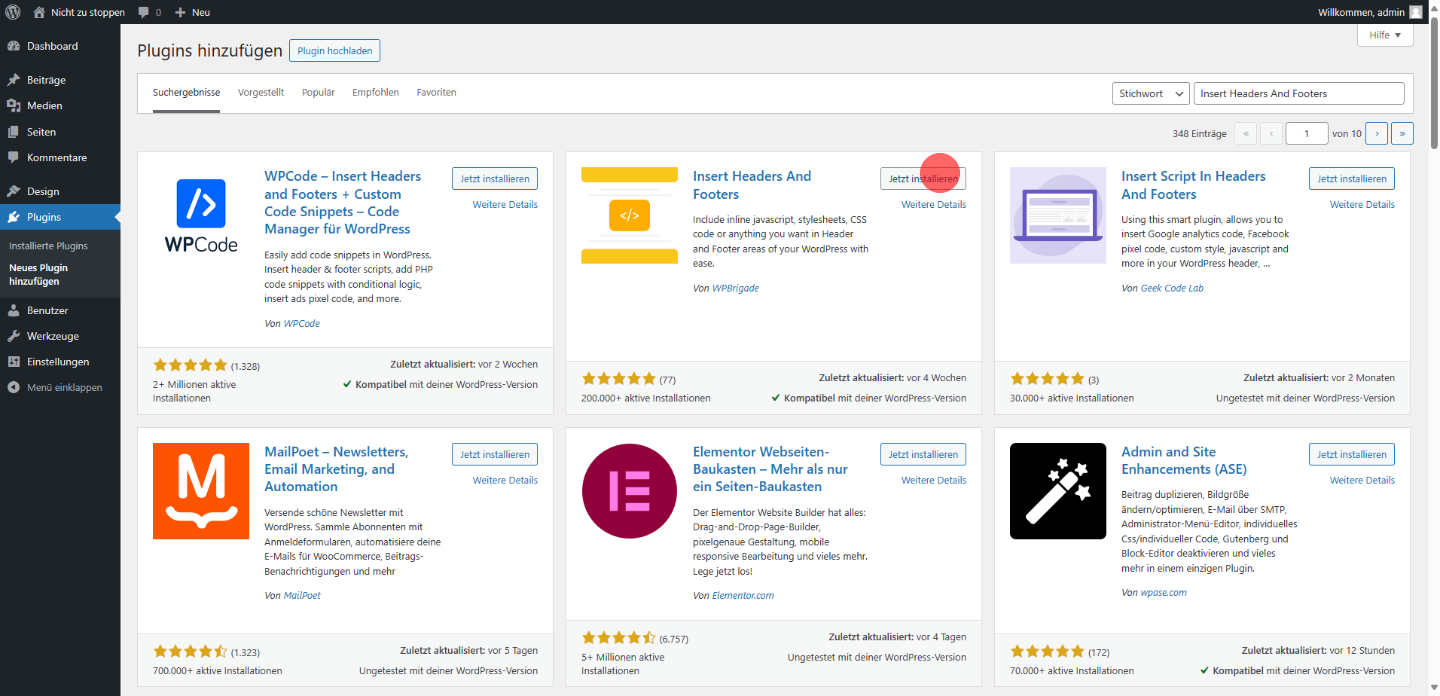
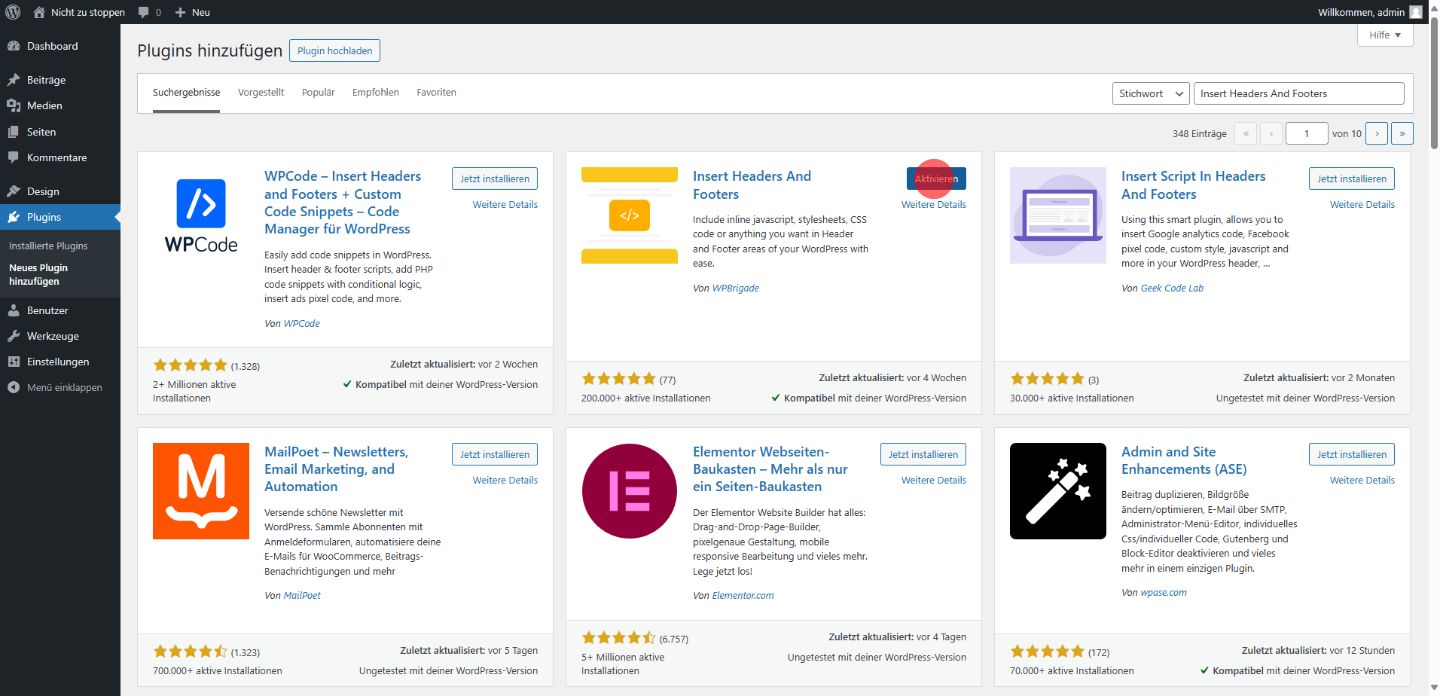
3 Click on the "Insert Headers And Footers" Plugin, on "jetzt installieren"
4 Click on the "Insert Headers And Footers" Plugin, on the Button "Aktivieren"
5 Click on "Einstellungen"

6 Click on "WP Headers and Footers"
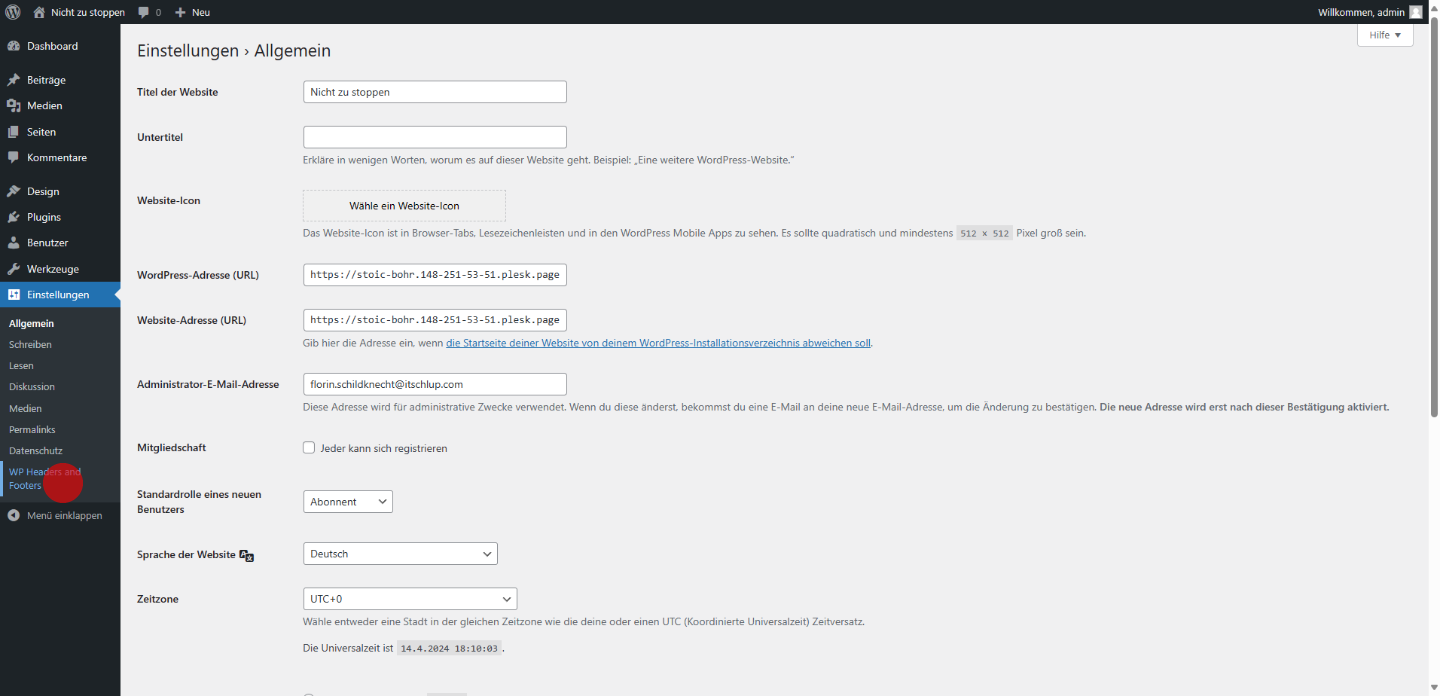
7 Click here and Insert your Safestats Code

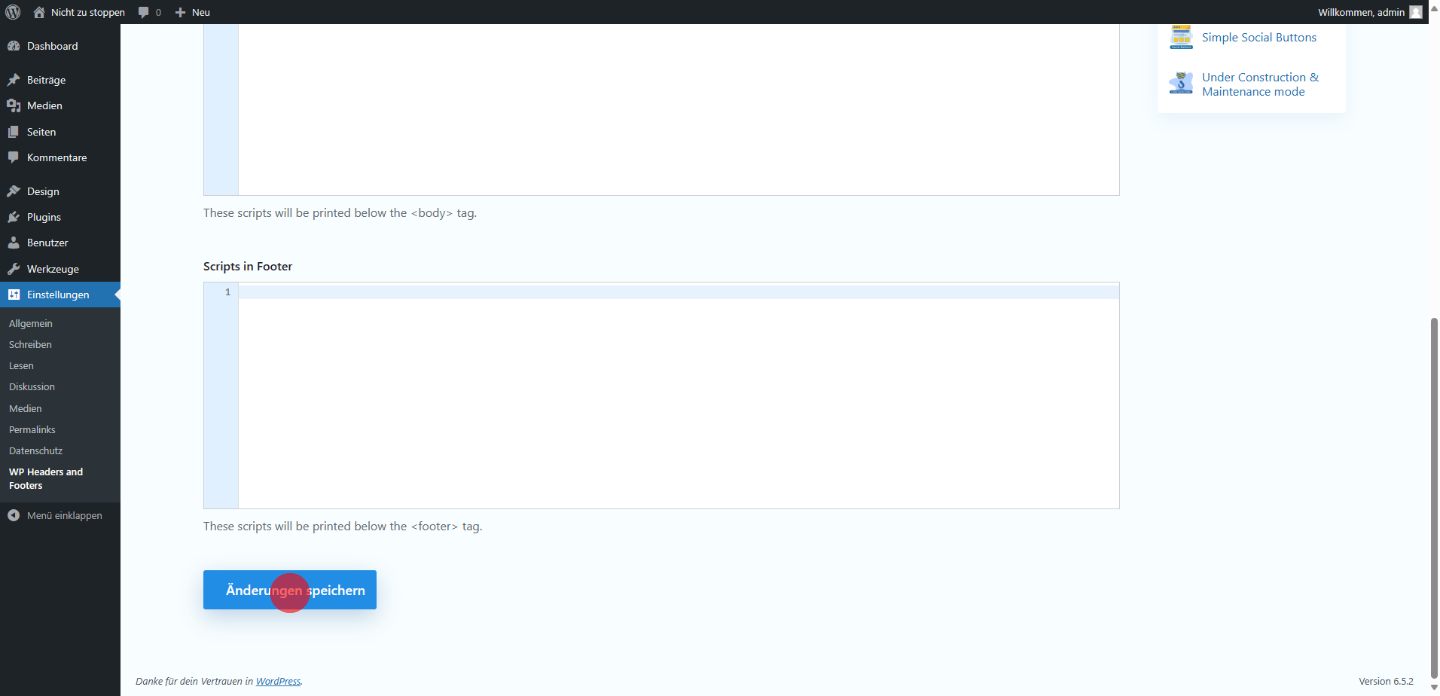
8 Click on "Änderungen speichern" at the bottom of the page